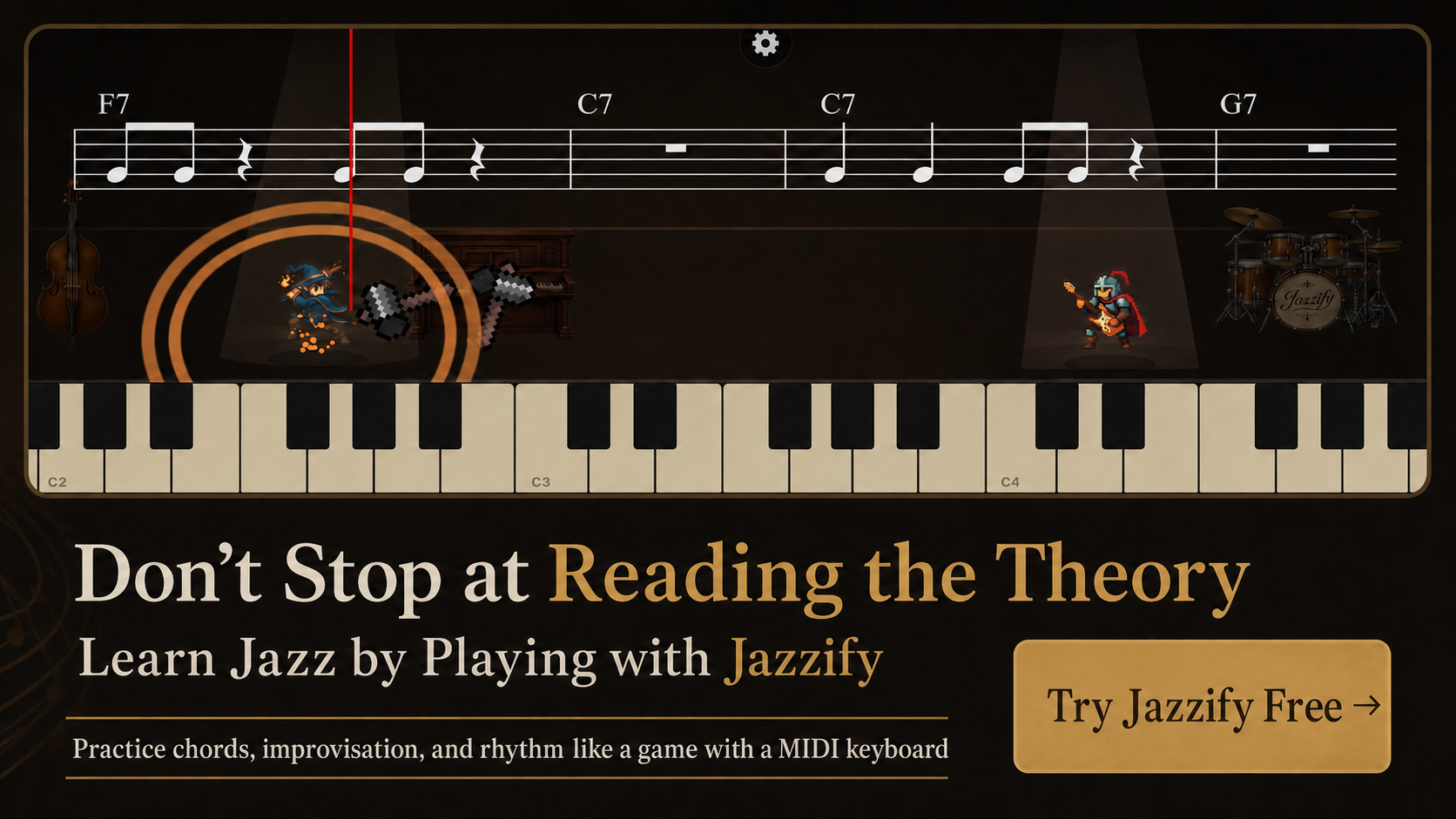
A jazz piano ear training app should go beyond interval recognition. Jazz musicians need to hear chord qualities, ii-V-I progressions, root movement, guide tones, and short melodic phrases — then reproduce them on a keyboard. The right app integrates listening and playing in the same session; the wrong one quizzed you on perfect fifths and stopped there.
This guide covers the ear-training skills jazz pianists actually need, evaluates what to look for in an app, and compares general ear trainers with jazz-specific tools.
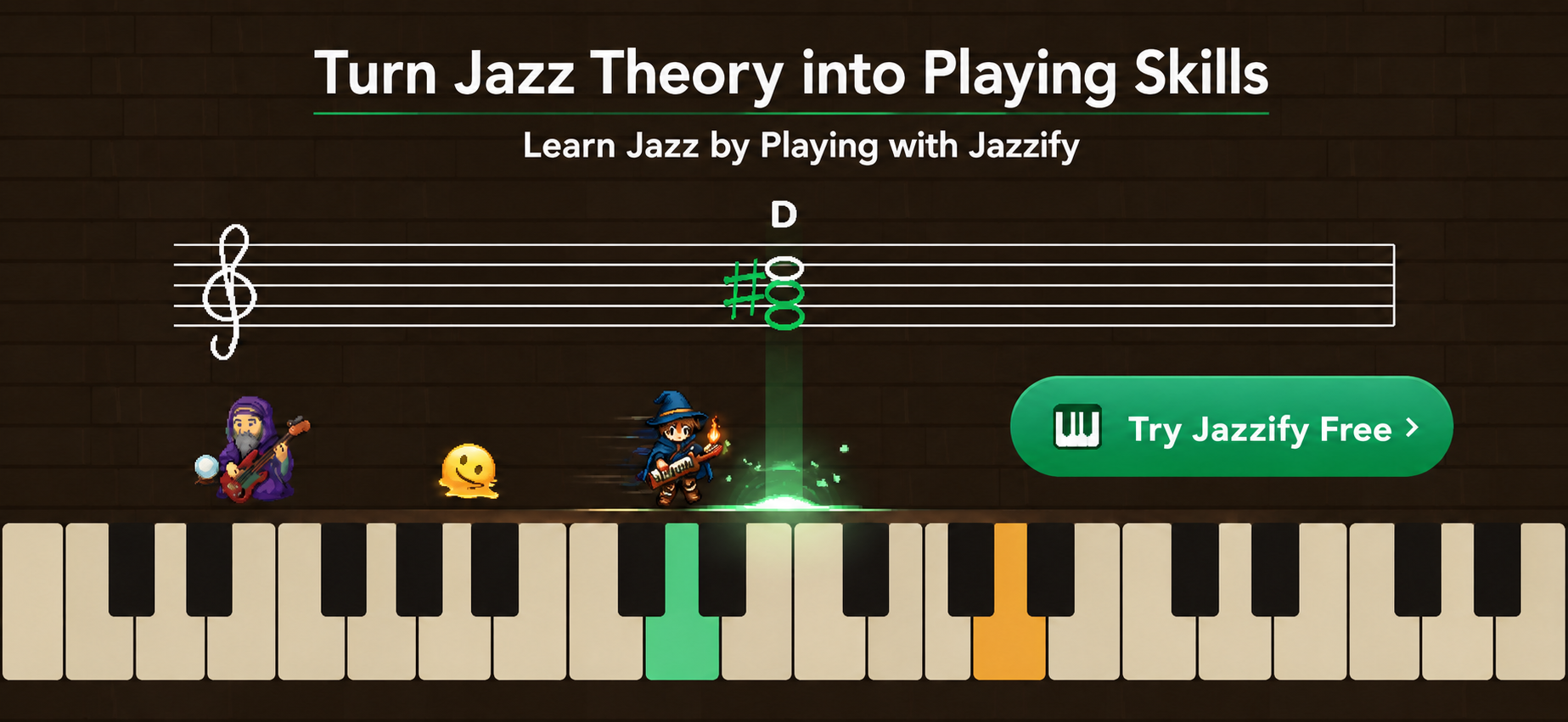
Ear Training Skills Jazz Pianists Need
Ordered by priority for beginners through intermediate players:
- Interval recognition — foundation for everything else.
- Chord quality identification — maj7, m7, dom7, half-dim, dim7 by sound.
- Root movement hearing — identify bass motion by interval (down a fifth, up a half step).
- Short progression recognition — hear a ii-V-I and identify the key.
- Guide-tone hearing — recognize the 3rd and 7th of a chord without the root.
- Melodic phrase call-and-response — hear a two-bar phrase, play it back.
- Voicing recognition — distinguish shell voicing from rootless voicing by texture.
Most general ear-training apps cover step 1 thoroughly and step 2 partially. Steps 3–7 require jazz-specific tools.
What to Look For in a Jazz Ear Training App
MIDI keyboard input for responses
Tapping multiple-choice buttons trains recognition but not execution. The best apps ask you to play what you hear — a Dm7 chord, a four-note phrase, a ii-V-I bass line. MIDI input closes the gap between hearing and playing.
Chord-quality modules with extensions
Basic trainers test major vs. minor triads. Jazz apps must include maj7, m7, dom7, m7b5, dim7, and eventually dom7alt and maj7#11. Test with the extensions you encounter in real standards.
Progression-level exercises
Hearing isolated chords is step one. Hearing a Dm7–G7–Cmaj7 sequence and identifying the key center is step two. The app should drill progressions, not just individual harmonies.
Call-and-response phrasing
A short melodic fragment — two bars, swing feel — plays, then you reproduce it on the keyboard. This builds the transcription skill that every jazz teacher recommends and few apps provide.
Integration with harmony curriculum
Ear training should not live in a separate silo. After learning shell voicings in a harmony quest, the ear-training module should test whether you can hear those voicings in context. Jazzify integrates ear training into guided quests so listening and playing reinforce each other.
General vs. Jazz-Specific Ear Training Apps
| App type | Examples | Strengths | Jazz gaps |
|---|---|---|---|
| General interval/chord trainers | Perfect Ear, EarMaster, Functional Ear Trainer | Solid interval foundation, chord quality basics | No progression dictation, no MIDI playback, no jazz voicing context |
| Relative pitch trainers | Functional Ear Trainer, Theta Music Trainer | Key-center-based hearing, good for tonal context | Limited chord progression work, no keyboard integration |
| Jazz-specific platforms | Jazzify, iReal Pro (playback only) | Progression hearing, voicing context, MIDI input, curriculum integration | Varies by app depth |
For a broader app comparison, see best apps for jazz practice.
Ear Training Exercises to Do Daily
Five-minute interval warm-up
Play an interval (m3, P5, m7) on the keyboard. Sing it back. Check with the app or a tuner. Do 10 intervals in random order.
Chord quality quiz (10 minutes)
App plays a chord. You play it back on the keyboard or identify its quality. Start with triads, add seventh chords within two weeks, add extensions within two months.
Progression dictation (10 minutes)
App plays a four-bar progression (e.g., Am7–D7–Gmaj7–Cmaj7). Identify the key and each chord by ear. Play the bass line on the keyboard.
Phrase call-and-response (10 minutes)
App plays a two-bar melodic fragment using chord tones. Reproduce it on the keyboard. Start slow (60 BPM), increase tempo as accuracy improves.
How Ear Training Connects to Other Jazz Skills
Ear training is not a separate subject — it supports every other skill:
- Comping — hearing chord quality tells you which voicing to choose before you look at the chart.
- Improvisation — hearing guide tones helps you target resolutions in your lines.
- Transcription — interval and phrase recognition speed up the process of copying recordings.
- Repertoire — hearing root movement helps you memorize changes without staring at the lead sheet.
If you are building harmony knowledge alongside ear training, start with jazz piano chords for beginners and jazz piano scales for beginners.
Common Ear Training Mistakes
- Only doing interval drills — intervals are foundation, not destination.
- Identifying chords without playing them back — recognition without execution does not transfer to the bandstand.
- Practicing ear training separately from repertoire — apply every skill to a tune you are learning.
- Skipping singing — sing every interval and phrase before playing it; singing connects your ear to your body.
- Using only major key exercises — jazz lives in minor keys, modal harmony, and secondary dominants.
Building Ear Training Into Your Practice Routine
| Session segment | Ear training activity | Time |
|---|---|---|
| Warm-up | Interval singing and identification | 5 min |
| Harmony practice | Chord quality quiz with MIDI playback | 10 min |
| Repertoire | Identify changes by ear before reading the chart | 10 min |
| Cool-down | Phrase call-and-response | 5 min |
Total: 30 minutes with ear training woven throughout, not isolated in a separate block you skip when tired.
Free vs. Paid Ear Training Features
Free tiers typically include interval trainers and basic chord-quality quizzes. Paid tiers add progression dictation, phrase call-and-response, MIDI playback evaluation, and integration with a full harmony curriculum.
Jazzify includes ear-training modules in both free introductory quests and the premium quest line — chord recognition, phrase playback, and progression hearing with MIDI keyboard input in the browser.
Ear Training Without an App: Low-Tech Alternatives
Before apps existed, jazz students trained ears with:
- Singing along with recordings — match pitch with a vocalist or horn player on a standard.
- Playing bass lines by ear — figure out root movement on a recording before checking the chart.
- Partner dictation — a teacher or friend plays chords; you name them.
These methods still work and cost nothing. Apps add structure, progressive difficulty, and instant verification — but the underlying skill is the same: hear something, identify it, reproduce it.
Evaluating an Ear Training App: Quick Checklist
- Does it test chord qualities beyond major and minor triads?
- Can you respond by playing on a MIDI keyboard, not just tapping buttons?
- Does it include progression-level exercises (ii-V-I, blues, turnarounds)?
- Is ear training integrated with harmony and improvisation curriculum?
- Does it include phrase call-and-response?
- Can you practice in minor keys and with extensions?
If three or more answers are no, the app is a general trainer, not a jazz tool.
Progression Difficulty Levels in Ear Training
Move through these stages in order — skipping ahead produces gaps:
- Major vs. minor triads
- maj7 vs. m7 vs. dom7
- m7b5 and dim7
- ii-V-I in one key (slow tempo)
- ii-V-I in random keys
- Turnarounds and backdoor dominants
- Short melodic phrases (2 bars) with chord-tone content
Spend at least one week on each stage before advancing. Jazzify's ear-training quests follow a similar progression, adjusting difficulty as your accuracy improves.
Summary
- Jazz ear training requires chord quality, progression, guide-tone, and phrase-level skills — not just intervals.
- Choose apps with MIDI keyboard input so you play back what you hear.
- Integrate ear training into harmony and repertoire practice, not as a separate isolated block.
- Sing every interval and phrase before playing it on the keyboard.
- Jazzify combines ear training with guided harmony and improvisation quests in the browser.
Play the Jazzify demo right now
Connect a MIDI keyboard and play this interactive demo in your browser.
On iPhone and iPad, browsers cannot use a MIDI keyboard. Please use the Jazzify app instead.