The best apps for jazz practice do not all solve the same problem. One gives you a rhythm section, another slows down a recording, and another helps you develop time. The right choice depends on the skill you need to improve today.
This 2026 guide compares six established tools from the original article—iReal Pro, Apple Music, Amazing Slow Downer, Pro Metronome, Drumgenius, and Jazz-Steps—using their current official product pages and store listings. It also shows how to combine them into a practical jazz piano routine.
Best Jazz Practice Apps at a Glance
| Tool | Best for | Current pricing displayed |
|---|---|---|
| iReal Pro | Chord charts, backing tracks, transposition, and form practice | One-time purchase per platform; US Mac App Store and Google Play displayed $21.99 |
| Apple Music | Reference listening and comparing multiple recordings | US Individual $10.99/month; Student $5.99/month; Family $16.99/month |
| Amazing Slow Downer | Transcription, looping, tempo change, and pitch adjustment | Mac/Windows $39.95; iOS $14.95; Android $9.95 |
| Pro Metronome | Time, subdivisions, silent-bar training, and tempo automation | Free download; US iOS Pro Version displayed $3.99, with other purchases available |
| Drumgenius | Practicing with stylistically specific drum loops | Free download; US iOS Infinite Credits $7.99, 50 credits $1.99, 10 credits $0.99 |
| Jazz-Steps | Structured, game-like jazz piano lessons and exercises | Free limited membership; Premium from JPY 990/month including tax on the 12-month plan paid upfront |
1. iReal Pro: Best for Backing Tracks and Chord-Chart Practice
iReal Pro combines an editable chord-chart library with an automatically generated backing band. It includes more than 50 accompaniment styles and lets you change tempo, key, instrumentation, and mix. Community forums provide thousands of shared chord charts, while the editor lets you create your own.
Its strongest jazz-practice functions are section looping, automatic tempo increases, and automatic key changes. For example, you can loop eight bars of a standard, begin slowly, and make the tempo rise after each repetition. You can also cycle a progression through different keys instead of manually transposing it.
The app is available for iPhone, iPad, Mac, Android, and Windows. It uses a one-time purchase rather than a subscription, but each platform is a separate purchase. Official US listings checked for this article displayed $21.99 on the Mac App Store and Google Play; verify the price for your device.
How to use iReal Pro well
- Learn the melody and harmony from a reliable lead sheet or recording first.
- Mute the piano part when practicing your own comping.
- Loop four or eight bars instead of restarting the entire tune.
- Practice the form without watching the screen once the changes are familiar.
- Remember that generated accompaniment does not replace listening to real rhythm sections.
2. Apple Music: Best for Reference Listening
Apple Music is not a jazz teaching app, but a large legal listening catalog is one of the most useful practice resources. The service advertises more than 100 million songs, ad-free playback, offline downloads, lossless audio, and Spatial Audio for supported recordings and devices.
For jazz study, the important feature is access to multiple interpretations. Search for one standard and compare the key, tempo, introduction, arrangement, comping, solo order, and ending across several versions. Build playlists by tune rather than by artist so that differences become easy to hear.
The official US page displayed Individual at $10.99 per month, Student at $5.99, and Family at $16.99. New-subscriber offers and pricing vary by country and eligibility.
A focused listening exercise
- Choose three recordings of the same standard.
- Mark the form while listening without playing.
- Sing one short phrase from each version.
- Identify one rhythmic or harmonic idea to test at the piano.
- Return to the full recording and hear how that idea fits the ensemble.
3. Amazing Slow Downer: Best for Transcription
Amazing Slow Downer changes playback speed without automatically changing pitch. It also lets you adjust pitch, define precise loops, and work with common audio formats. These functions make it useful for hearing fast lines, bass movement, inner voices, and subtle rhythmic placement.
The official price list displayed $39.95 for the Mac or Windows version, $14.95 for iOS, and $9.95 for Android. Licenses are separate by platform, and the Android page also lists a limited free Lite version.
The current official pages describe compatible audio files but do not promise direct access to the Apple Music subscription catalog. Confirm that the audio source you intend to study is supported before buying. Use music you have obtained legally.
A reliable transcription workflow
- Listen to the full phrase at normal speed several times.
- Loop only two to four seconds.
- Sing the rhythm and contour before touching the piano.
- Reduce speed only as much as necessary.
- Find the notes, write them if useful, and then play with the original recording.
- Move the phrase to another key and create a variation so it becomes usable language.
4. Pro Metronome: Best for Time and Rhythm Training
Pro Metronome offers the expected tempo, accent, tap-tempo, odd-meter, and background-play functions. Its more useful practice features include subdivisions, polyrhythms, playlists, automatic tempo changes, and Rhythm Trainer, which mutes selected bars so you must maintain the pulse internally.
The app is available on Apple platforms and Android. The official US iOS listing showed a free download and a $3.99 Pro Version, alongside separate purchases and subscription options. Store offerings differ, so check which functions your chosen purchase unlocks.
Three jazz metronome settings to try
- Clicks on beats 2 and 4: set half the tune’s tempo and hear each click as the backbeat.
- One click per bar: place the click on beat 1, then later imagine it on beat 2 or 4.
- Silent bars: alternate audible and muted measures, then check whether you return on time.
A metronome measures consistency; it does not teach swing phrasing by itself. Pair these exercises with close listening and play-along practice.
5. Drumgenius: Best for Practicing with Drum Grooves
Drumgenius provides 500 drum and percussion loops across jazz, Latin, world, and other styles. Its descriptions and discography references help connect a loop with a musical context. The app also offers speed adjustment of plus or minus 20 percent, a clave function, and a metronome component.
The official US App Store listing currently identifies it as an iPhone app with a free download and in-app purchases. It displayed Infinite Credits at $7.99, 50 credits at $1.99, and 10 credits at $0.99. Credits unlock loops; the exact package structure should be confirmed in the current app.
Drum loops are especially useful when a plain click makes your comping stiff. Choose a swing, bossa nova, or other relevant groove, play only guide-tone voicings, and notice how the placement of each chord changes the feel. Then practice without the loop and try to retain the same internal motion.
6. Jazz-Steps: Best for a Guided Jazz Piano Course
Jazz-Steps is a Japanese-language jazz piano learning service built around a seven-step method. Its lessons combine explanations with immediate keyboard exercises, missions, scores, and rankings. Topics include chord construction, tensions, guide tones, voicings, and improvisation.
The official site displayed a free membership with limited content and Premium from JPY 990 per month including tax when a 12-month plan is paid upfront. Because offer and trial details can change, confirm the exact billing period and any trial at checkout.
This is the most course-like option in the comparison. It suits learners who want an ordered sequence instead of assembling exercises from several tools. The main limitation for English-speaking students is language: check whether the available interface and lesson language fit you before subscribing.
Where Jazzify Fits
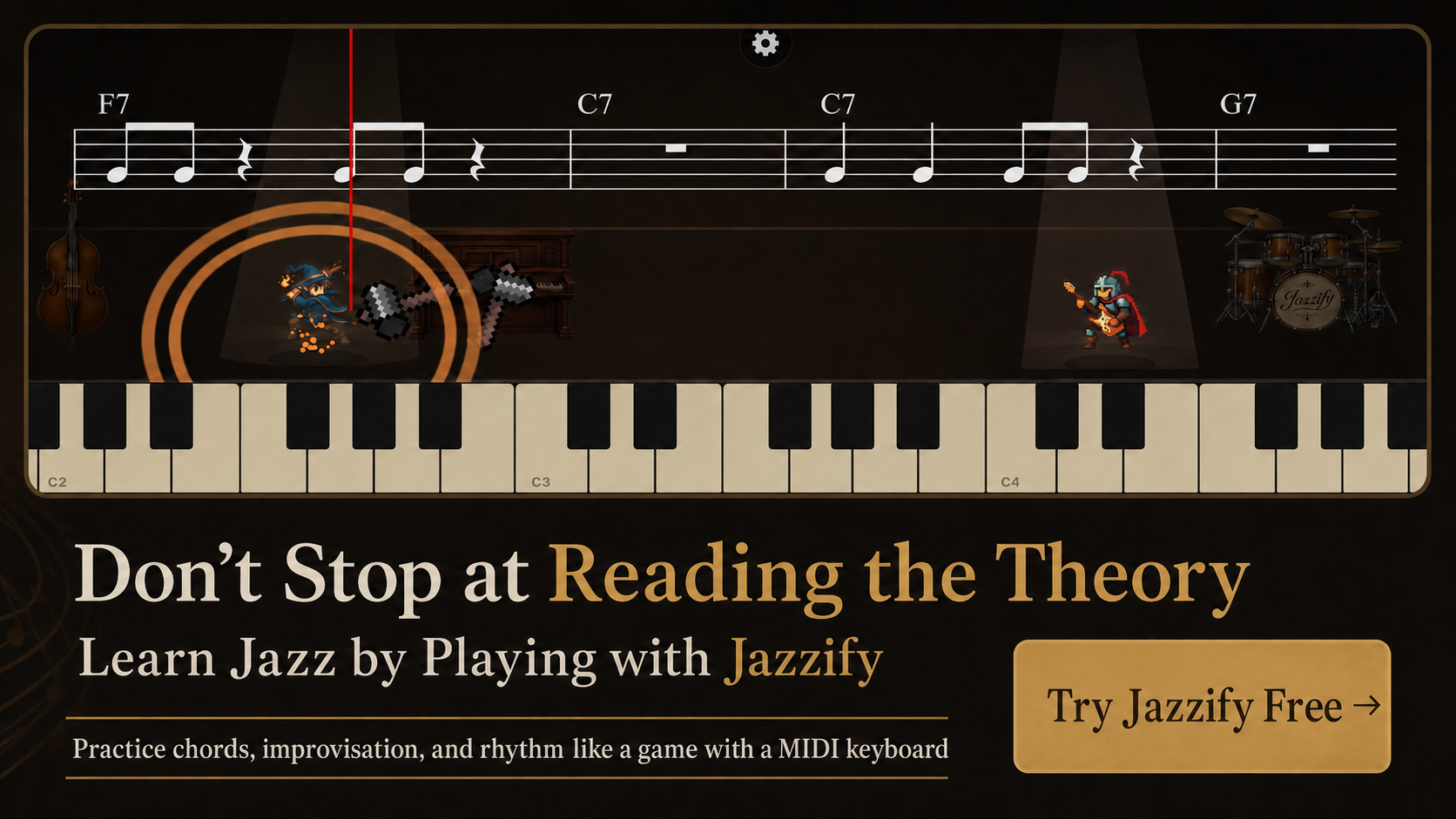
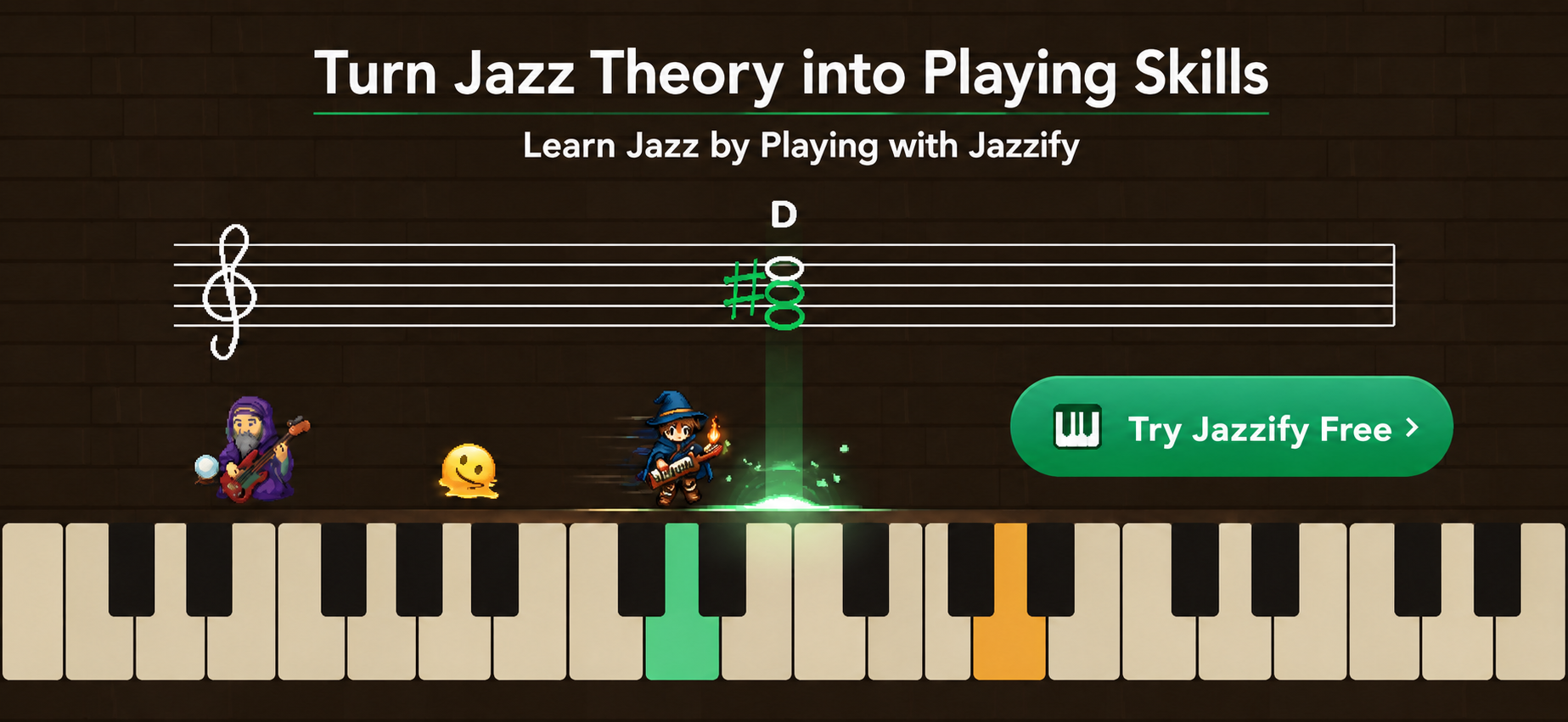
Most tools above specialize in one layer of practice. A listening service supplies recordings; a slowdown tool supports transcription; a metronome tests time; and a backing-track app supplies harmony and form. Jazzify is designed to connect the learning step with active keyboard practice across chords, improvisation, and rhythm.
That makes Jazzify a useful center for a routine rather than another passive content library. Learn one concept, play it immediately, repeat it with variation, and then test it in a tune or recording. The goal is not to collect more apps. It is to shorten the distance between understanding an idea and hearing it in your own playing.
A 30-Minute Jazz Practice Routine Using Apps
- Five minutes—listening: use Apple Music to hear one chorus and sing a phrase.
- Five minutes—transcription: loop a short passage in Amazing Slow Downer and find it by ear.
- Five minutes—time: play the phrase with Pro Metronome or a Drumgenius groove.
- Ten minutes—application: use Jazzify to practice the related chord, improvisation, or rhythm concept with variations.
- Five minutes—form: use iReal Pro to place the idea inside a complete tune without stopping.
If you need a fully guided curriculum, replace part of the routine with a Jazz-Steps lesson. If you already have a teacher or clear syllabus, buy only the specialist tools that remove a genuine obstacle.
How to Choose the Right App
- If you lose the form or need accompaniment, start with iReal Pro.
- If you do not know what to listen to, start with Apple Music and a focused playlist.
- If fast recordings are difficult to hear, choose Amazing Slow Downer.
- If your tempo drifts, choose Pro Metronome.
- If a click feels too abstract, choose Drumgenius.
- If you want an ordered Japanese-language course, consider Jazz-Steps.
- If you want to turn theory into playable chord, improvisation, and rhythm skills, practice with Jazzify.
Start with one clearly defined weakness and one tool. Use it consistently for two weeks, record yourself, and evaluate whether the weakness improved. A small practice system used every day is more valuable than a phone full of unused jazz apps.
Play the Jazzify demo right now
Connect a MIDI keyboard and play this interactive demo in your browser.
On iPhone and iPad, browsers cannot use a MIDI keyboard. Please use the Jazzify app instead.