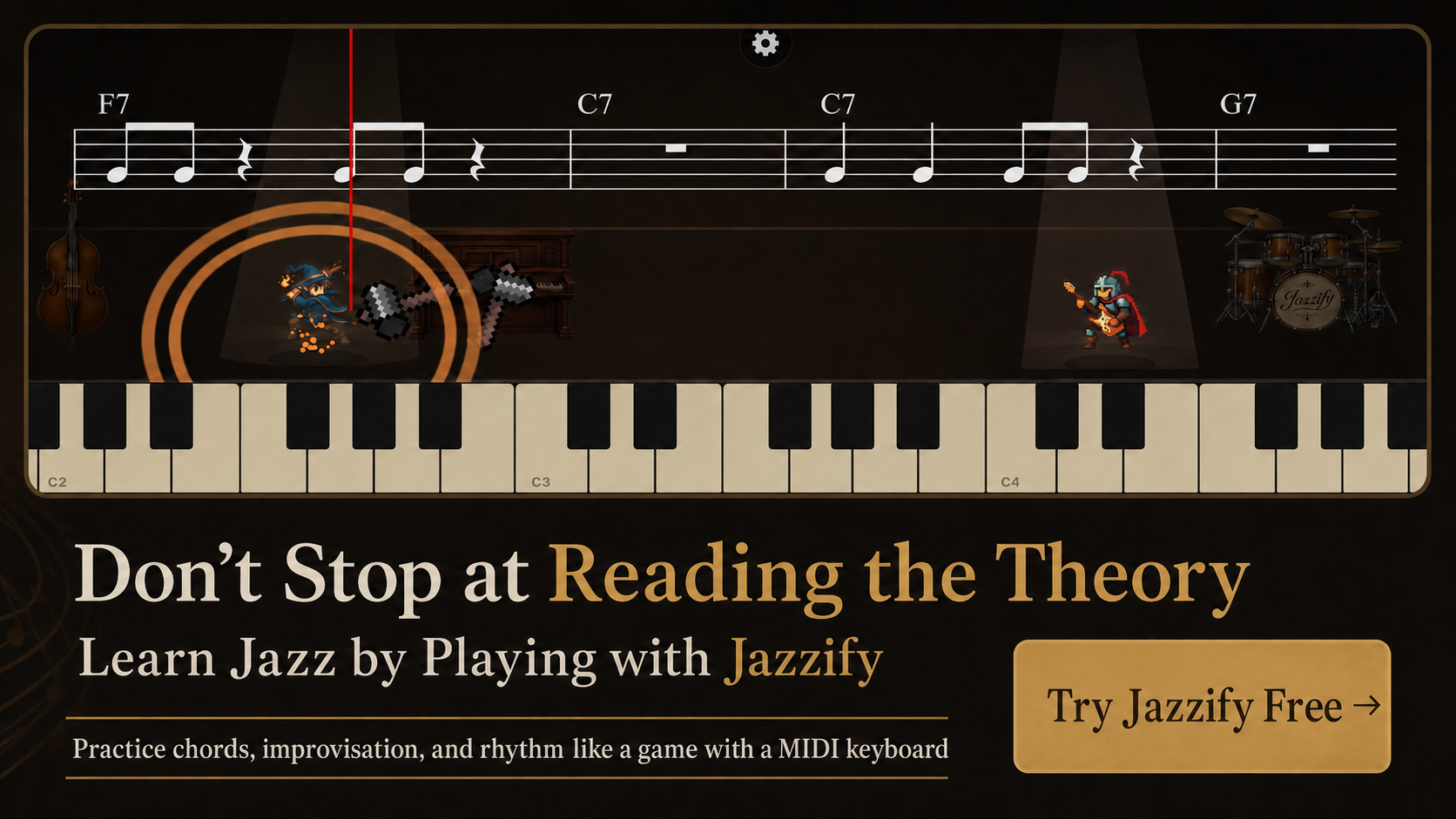
The best MIDI keyboard for jazz piano depends on where you practice, whether you need fully weighted action, and how you connect to your computer or tablet. Jazz voicings span a wide range — a rootless G13 can cover more than an octave — so key count and action type affect your daily comfort more than brand name.
This guide compares 49-, 61-, and 88-key options, explains semi-weighted vs. hammer action, and covers the connectivity features that matter for browser-based practice apps and DAW work.
Why Jazz Pianists Have Different MIDI Keyboard Needs
Classical and pop players often prioritize realistic piano feel above all else. Jazz pianists also need:
- Enough keys for two-handed voicings — left-hand shell or rootless shapes plus right-hand melody or extensions.
- Low-latency USB connection — comping and improvisation feel wrong when note response lags.
- Class-compliant plug-and-play — no driver installs for Mac, iPad, or browser apps.
- Portable size — many jazz students practice in small apartments or travel frequently.
A MIDI keyboard sends note data, not audio. The sound comes from your computer, tablet, or browser app. That is exactly what you want for interactive practice tools that evaluate your voicings in real time.
49 vs. 61 vs. 88 Keys for Jazz Practice
| Key count | Best for | Limitations for jazz |
|---|---|---|
| 49 keys (C–C) | Travel, ear training, single-hand voicing drills | Cannot play full two-handed rootless voicings in lower register |
| 61 keys (C–C) | Most home jazz practice, comping + melody | Lowest bass notes missing for some left-hand roots |
| 88 keys | Full-range solo piano, classical crossover | Heavier, less portable, often higher price |
For most jazz students practicing voicings, ear training, and guided quests, 61 keys is the practical sweet spot. If you also play solo piano arrangements that use the full bass register, step up to 88.
Key Action Types Explained
Synth action (unweighted)
Light, spring-loaded keys. Fast to press, easy on the wrists during long ear-training sessions. Less ideal for developing dynamic control in solo piano lines, but perfectly adequate for chord spelling and voicing practice.
Semi-weighted action
A middle ground with more resistance than synth action. Common on 61-key controllers aimed at pianists. Good balance for jazz students who comp and solo but do not need full hammer simulation.
Hammer action (fully weighted)
Mimics acoustic piano key weight with graded heaviness in the bass. Best for classical crossovers and advanced solo jazz piano. Heavier keybed increases controller weight and cost.
Match action to your primary goal: voicing and harmony drills work fine on semi-weighted or synth action; expressive solo ballad work benefits from hammer action.
Connectivity: What to Look For in 2026
- USB-B or USB-C — standard on modern controllers; connects directly to Mac or USB-C iPad.
- Class-compliant — works without proprietary drivers on macOS, iOS, and Chrome.
- Bluetooth MIDI (optional) — convenient for casual practice but adds 20–40 ms latency; avoid for rhythm-heavy comping.
- 5-pin DIN MIDI (legacy) — only needed if you connect to older hardware synths.
For Mac setup details, see our guide on how to connect a MIDI keyboard to a Mac. For iPad, see connect MIDI keyboard to iPad.
Features That Help Jazz Practice Specifically
These are worth paying for; the rest is optional:
- Octave shift buttons — essential on 49- and 61-key boards to reach bass voicings.
- Sustain pedal input — even if jazz comping uses pedal sparingly, ballads and solo practice need it.
- Aftertouch (nice to have) — rarely used in jazz education apps but useful in synth work.
- Knobs and faders (skip for most) — jazz students rarely need them unless producing.
Skip keyboards marketed primarily for beat-making with pad grids unless you also produce hip-hop or electronic music.
Recommended Controllers by Use Case
Prices change frequently; verify current listings before buying. These categories reflect what jazz students commonly choose in 2026:
Budget portable (49 keys, synth action)
Controllers such as the Arturia KeyLab Essential 49 or Novation Launchkey 49 offer lightweight travel setups under $200. Use octave shift to reach left-hand voicing ranges. Best paired with ear-training and single-hand chord drills.
Best all-around for jazz (61 keys, semi-weighted)
The Yamaha P-125 / P-225 digital piano line, Roland FP-30X, or mid-range controllers like the Arturia KeyLab Essential 61 provide enough range for comping exercises and two-handed voicings. Built-in speakers on digital pianos are a bonus for casual practice without headphones.
Full piano feel (88 keys, hammer action)
Yamaha P-525, Roland FP-90X, or Kawai ES120 deliver graded hammer action for students transitioning from acoustic piano or focusing on solo jazz repertoire. Heavier to move but closest to gig and lesson feel.
Latency and Browser-Based Practice
Interactive jazz apps like Jazzify use the Web MIDI API to read your keyboard in Chrome or Safari. Wired USB connections typically deliver 5–15 ms latency — fast enough for swing comping. Bluetooth adds enough delay that beat 2 and beat 4 feel mushy.
Test your setup: play quarter notes at 80 BPM with a metronome on 2 and 4. If your attacks consistently land behind the click, switch from Bluetooth to USB before blaming the app.
Common Buying Mistakes
- Buying 49 keys and expecting comfortable two-handed rootless voicing practice.
- Choosing a charge-only USB cable that never sends MIDI data.
- Prioritizing pad grids and knobs over key action and pedal input.
- Assuming built-in piano sounds matter — browser apps generate their own audio.
- Ignoring sustain pedal compatibility (some budget boards need a specific polarity pedal).
Headphones, Speakers, and Room Setup
MIDI keyboards produce no sound on their own. For apartment practice, closed-back headphones ($30–$80) let you hear app feedback clearly without disturbing neighbors. If your controller has built-in speakers (common on digital pianos), test whether the speaker quality matters — browser apps generate their own piano tone through your device speakers or headphones.
Place the keyboard at elbow height when seated, with enough space for wrist movement during voicing spreads. A simple X-style bench and keyboard stand ($80–$150 combined) beats stacking books under a portable controller.
Setting Up Your Keyboard for Daily Jazz Practice
Once connected, run this 10-minute verification routine:
- Play a C major scale hands separately; confirm every note registers in your practice app.
- Play Dm7–G7–Cmaj7 shell voicings in three inversions.
- Comp quarter notes on a blues in F with a metronome on beats 2 and 4.
- Complete one guided quest or ear-training module in your browser app.
If you are new to the harmony side, start with jazz piano chords for beginners before adding rootless voicings.
Summary
- 61 keys with semi-weighted action suits most jazz piano practice; 88 keys for full solo repertoire; 49 keys for travel and ear training.
- Prioritize class-compliant USB connectivity and a sustain pedal input over pad grids and faders.
- Use wired USB for rhythm-sensitive work; Bluetooth only when portability outweighs latency.
- Match the controller to your space, budget, and whether you need hammer action for solo piano expression.
- Verify the setup with voicing drills and a browser-based practice app before committing to a long study program.
Play the Jazzify demo right now
Connect a MIDI keyboard and play this interactive demo in your browser.
On iPhone and iPad, browsers cannot use a MIDI keyboard. Please use the Jazzify app instead.