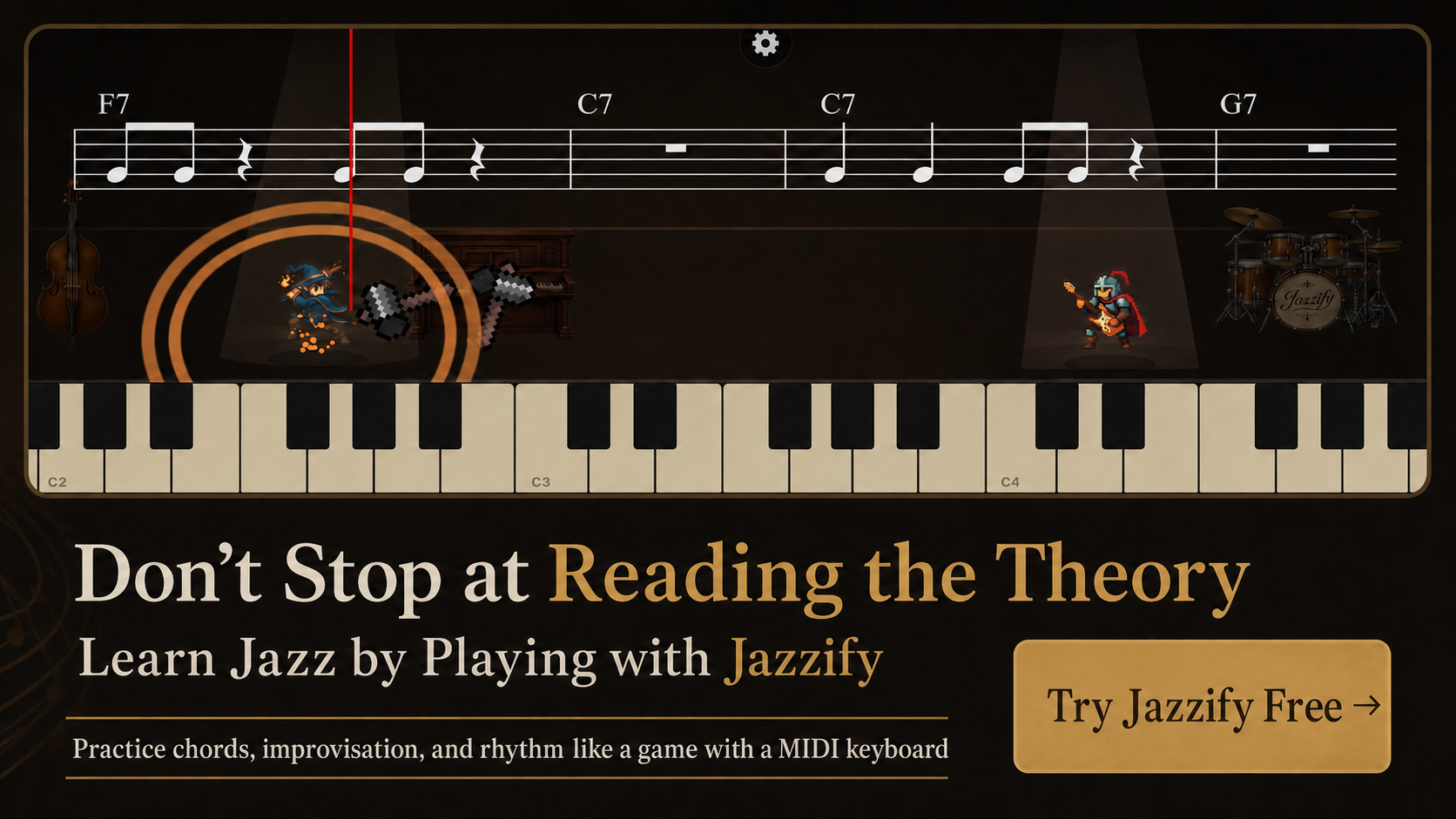
MIDI piano learning software listens to what you actually play — not what you tap on a screen — and tells you immediately whether your notes, timing, and chord spelling are correct. For jazz students, that feedback loop matters because voicing errors and voice-leading mistakes are easier to fix in the moment than from a video watched hours earlier.
This guide compares what interactive piano software can and cannot teach, breaks down features that matter for jazz specifically, and helps you choose between browser-based tools, native apps, and hybrid platforms.
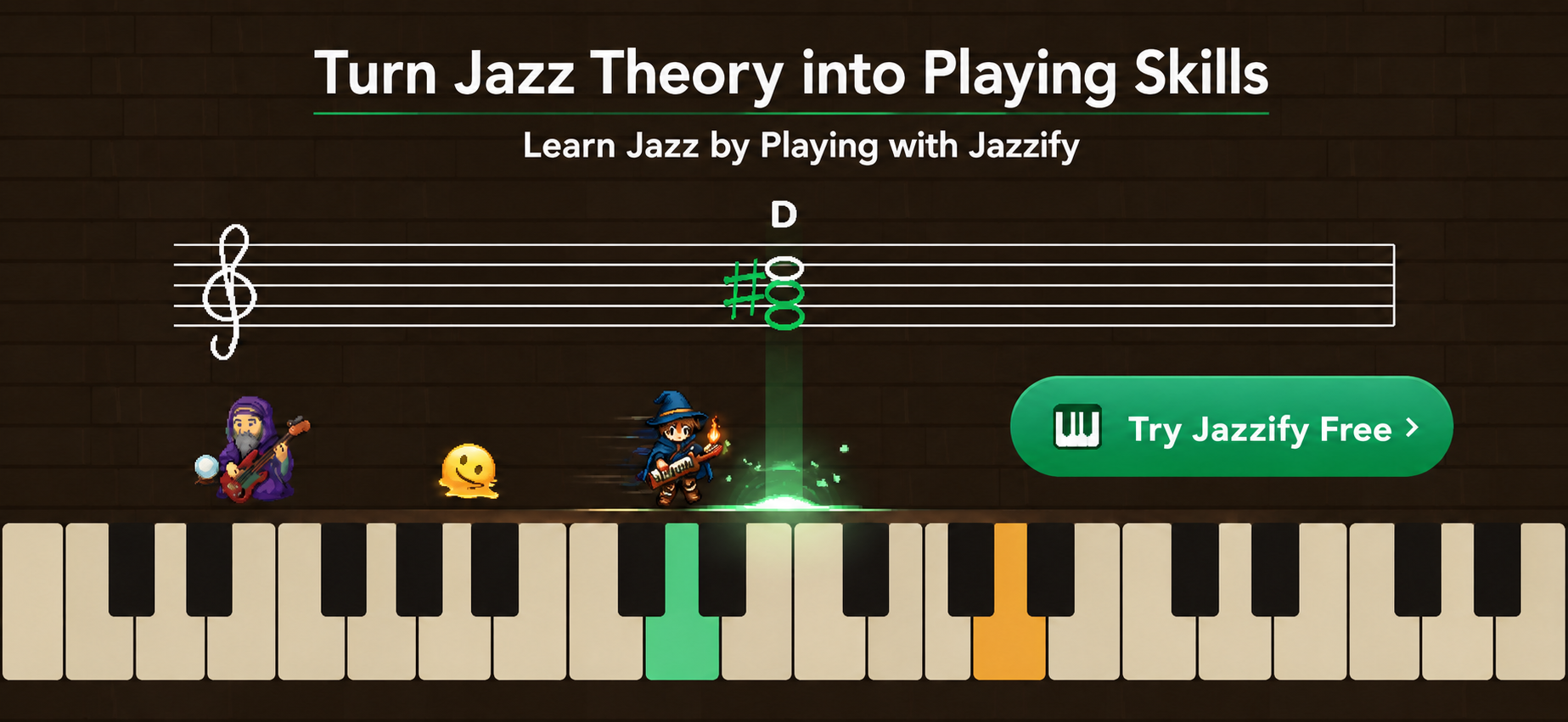
How MIDI Learning Software Differs From Video Courses
A video course shows an instructor playing a voicing. MIDI software evaluates your voicing. The distinction affects what you can practice alone:
| Capability | Video course | MIDI software |
|---|---|---|
| Explain theory concepts | Strong | Moderate (depends on curriculum) |
| Instant pitch feedback | None | Strong |
| Chord spelling check | None | Strong |
| Ear training with input | None | Strong |
| Comments on phrasing and time feel | With live teacher | Weak |
| Repertoire depth | Varies | Varies |
The strongest learning path combines conceptual teaching (video or books) with daily MIDI-guided repetition. Neither replaces the other.
Core Features to Evaluate
Real MIDI keyboard input
Software that accepts only on-screen keys or microphone input cannot verify that you played a proper Dm7 shell voicing with the third and seventh in the left hand. Confirm the tool supports USB or Bluetooth MIDI from a physical keyboard.
Note-by-note and chord-level feedback
Beginner tools often check single-note melodies. Jazz tools must evaluate multi-note voicings, including correct extensions and omissions (rootless voicings deliberately leave out the root).
Ear-training modules
Interval recognition, chord quality identification, and short phrase dictation build the listening skills jazz demands. The best tools integrate ear training with keyboard input — hear a chord, play it back.
Progressive curriculum
Look for a structured path from triads through seventh chords, shell voicings, rootless shapes, ii-V-I voice leading, and improvisation — not an unstructured exercise library.
Low latency
Response under 20 ms on a wired connection feels natural. Above 40 ms, comping exercises become frustrating. Browser-based tools using Web MIDI on Chrome and Safari typically perform well with USB.
Browser-Based vs. Native App Software
Browser-based (Web MIDI)
Runs in Chrome or Safari without installation. Updates deploy instantly. Works on Mac, Windows, Chromebook, and iPad with a USB connection. Jazzify uses this model: open the site, connect a MIDI keyboard, grant permission once, and start a guided quest.
Advantages: no app store friction, cross-platform, always current. Limitations: requires a compatible browser; offline practice usually unavailable.
Native desktop or mobile apps
Install from an app store. May offer offline mode, lower latency on some devices, and deeper OS integration. Examples include Synthesia (gamified note reading), Flowkey (pop-focused), and various ear-training apps.
Advantages: offline access, sometimes better MIDI routing on Windows. Limitations: platform-specific purchases, slower update cycles.
For a broader comparison of jazz-specific tools, see best apps for jazz practice.
What Jazz Students Should Practice in MIDI Software
Prioritize exercises that benefit from automated checking:
- Chord spelling drills — play specified voicings (Dm7, G7alt, Cmaj9) in designated inversions.
- ii-V-I voice leading — connect chords with minimal hand movement across keys.
- Scale-over-chord exercises — play correct scale degrees over a static harmony.
- Ear-training call-and-response — hear a short phrase, reproduce it on the keyboard.
- Rhythm pattern matching — comp a written rhythm against a click or backing track.
Avoid relying on MIDI software for open-ended improvisation coaching or feedback on swing feel — those still require a teacher or self-recording review.
Popular MIDI Piano Software Categories
General piano learning (Synthesia, Simply Piano, Flowkey)
Strong for reading notation and learning pop songs. Jazz harmony coverage is usually shallow — seventh chords at best, rarely rootless voicings or functional improvisation.
Ear-training focused (Functional Ear Trainer, iWasDoingAllRight)
Excellent for interval and chord-quality recognition. Often lack a full jazz curriculum or guided voicing path.
Jazz-specific interactive platforms (Jazzify, Jazz-Steps)
Built around jazz harmony, improvisation, and ear training with MIDI input. Jazzify adds quest-based progression — structured lessons that combine theory, play-along, and immediate feedback in the browser.
DAW and notation software (Logic, MuseScore)
Not learning software in the traditional sense, but MIDI input enables composition and playback. Useful alongside dedicated practice tools, not instead of them.
Setting Up MIDI Software on Your System
Regardless of which tool you choose, the setup steps are similar:
- Connect the keyboard via USB (preferred) or Bluetooth.
- Confirm the OS recognizes the device (Mac: Audio MIDI Setup; Windows: Device Manager).
- Open the software and grant MIDI access when prompted.
- Play middle C and verify visual feedback within one second.
Mac users: follow our connect MIDI keyboard to Mac guide. iPad users: see connect MIDI keyboard to iPad.
Free vs. Paid: What Changes
Free tiers typically include basic exercises, limited daily sessions, or the first curriculum chapters. Paid tiers unlock full quest lines, advanced voicings, improvisation modules, and unlimited practice.
Evaluate free tiers by completing at least three full lessons — not just one demo exercise. You need to know whether the feedback quality and curriculum depth justify a subscription. Our cost comparison in online jazz piano lessons cost puts software pricing alongside teachers and video courses.
Windows-Specific MIDI Notes
On Windows, some older controllers require manufacturer drivers before the OS recognizes them. After driver install, browser apps using Web MIDI in Chrome should detect the device the same way as on Mac. If a native app sees the keyboard but Chrome does not, check Chrome's MIDI permissions under Settings > Privacy and security > Site settings > MIDI devices.
Windows audio latency depends on your sound driver. ASIO drivers (when available) reduce buffer delay compared to default DirectSound settings. For browser practice, wired USB with no other audio apps running is usually sufficient.
Limitations to Accept Up Front
- Software cannot judge your musical phrasing, articulation, or swing feel.
- Automated chord recognition may accept enharmonic equivalents you did not intend.
- Without a teacher, you may develop habits that pass automated checks but sound stiff in context.
- Browser tools need an internet connection unless explicitly designed for offline use.
Schedule monthly self-recording reviews or occasional live lessons to catch what software misses.
Practice Session Structure With MIDI Software
A focused 30-minute session might look like this:
- 5 min — warm-up: major scale and chord-tone identification in the current key.
- 10 min — current quest stage (voicing drill or ii-V-I voice leading).
- 10 min — ear training module: chord quality or phrase call-and-response.
- 5 min — review mistakes from the session and retry failed exercises.
Log which quest stages you pass and fail. Software tracks progress automatically in most apps, but a handwritten note about recurring errors (e.g., "confuses m7 and dom7 in ear training") helps you focus the next session.
Summary
- MIDI piano learning software excels at daily repetition, chord spelling, ear training, and instant feedback — gaps that video courses leave open.
- Choose tools with real keyboard input, jazz-relevant curriculum, and low-latency wired connection.
- Browser-based platforms like Jazzify offer cross-device access without app store installs.
- Combine software with video or books for theory depth and with a teacher for phrasing and time feel.
- Test the free tier with multiple lessons before committing to a paid plan.
Play the Jazzify demo right now
Connect a MIDI keyboard and play this interactive demo in your browser.
On iPhone and iPad, browsers cannot use a MIDI keyboard. Please use the Jazzify app instead.