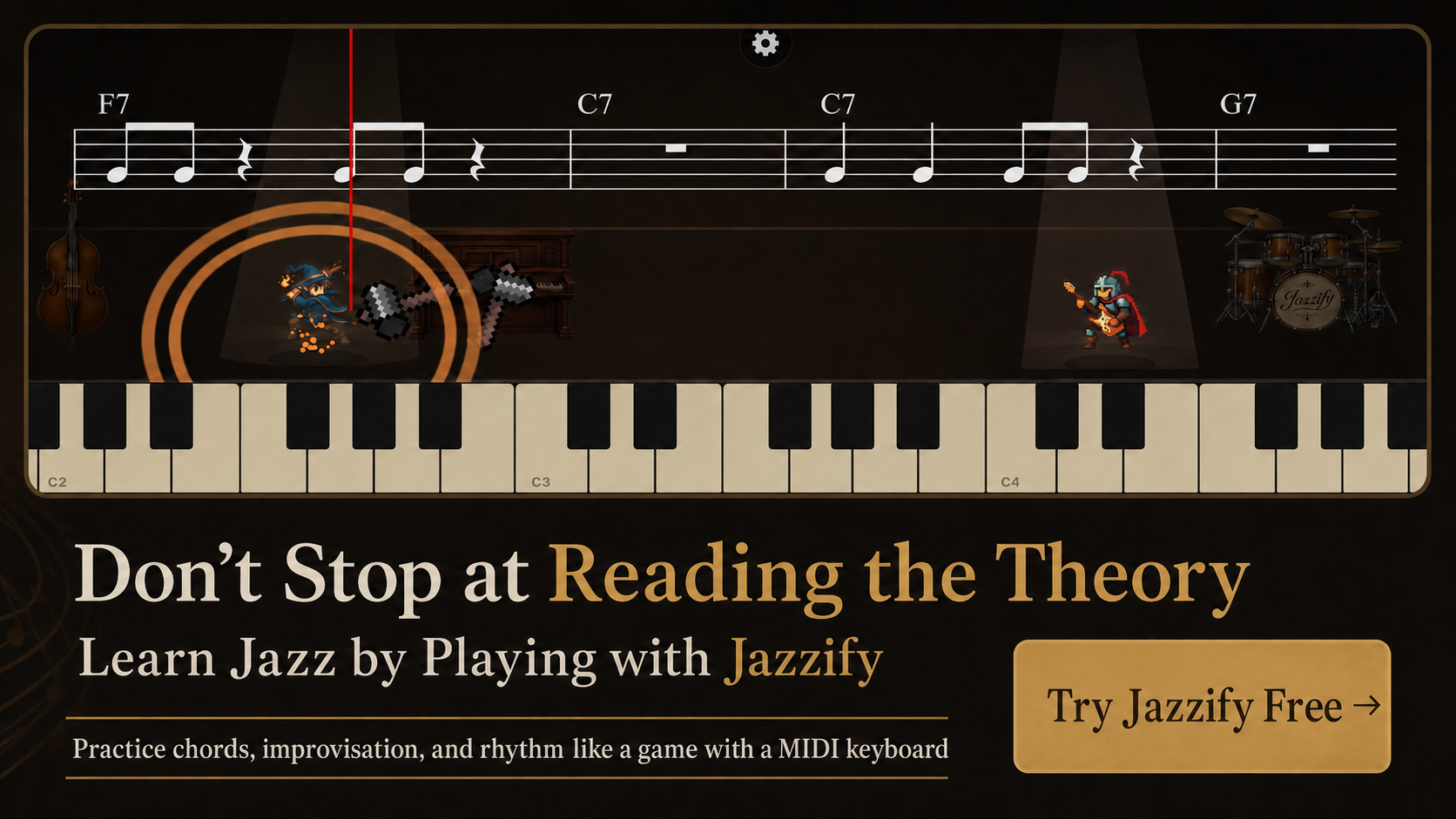
MIDI keyboard piano lessons sit in a middle ground between traditional studio instruction and fully passive video courses. Your teacher—or an app—hears every note you play with precise timing data, not just what a microphone picks up. That matters for jazz, where a voiced G7(♭9) with a wrong fifth stands out immediately and where swing subdivision is measured in milliseconds.
This article explains which lesson formats work best with a MIDI controller, how to prepare your gear before a session, and what to practice between lessons so each hour with an instructor or guided module counts.
How MIDI Changes the Lesson Experience
In a conventional piano lesson, the teacher listens acoustically and watches your hands. With MIDI, the signal path is digital:
- Key down → MIDI note-on message (note number, velocity, channel).
- Interface or USB → computer, tablet, or phone.
- Lesson software → visual keyboard, score, or feedback overlay.
Benefits for jazz students:
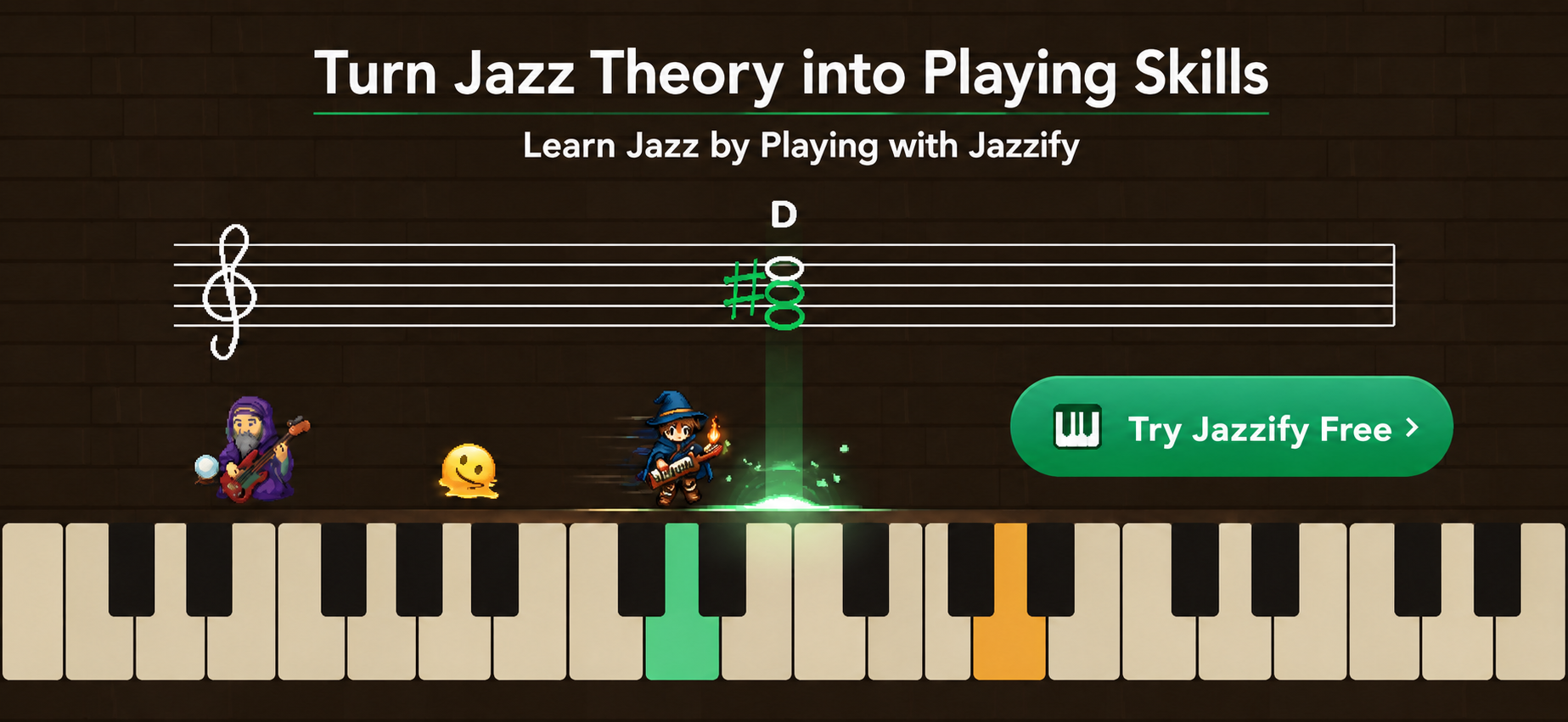
- Wrong notes flash red without the teacher interrupting your phrase.
- Voicing diagrams can require specific notes—C–E–G–B for Cmaj7—rather than approximations.
- Sessions can be replayed with your exact performance overlaid on the reference.
- Latency can be measured; teachers can diagnose sluggish Bluetooth before blaming your rhythm.
Lesson Formats Compared
| Format | Best for | MIDI requirement | Limitation |
|---|---|---|---|
| Live video lesson (Zoom + MIDI) | Personalized feedback, improvisation coaching | USB MIDI to teacher's DAW or shared screen | Scheduling, cost, teacher must understand MIDI routing |
| Async video course + MIDI exercises | Theory, voicing libraries, self-paced review | Web MIDI in browser or plugin | No real-time correction of phrasing |
| Guided app lessons (game-style) | Daily drills, chord spelling, rhythm scoring | Web MIDI or native app | Less flexible for advanced personal style |
| Hybrid: app daily + monthly live check-in | Balanced growth for working adults | Both | Requires discipline to log practice data |
If you are building a self-study plan before committing to a teacher, read how to learn jazz piano by yourself for a structured week-by-week outline.
Preparing Your Keyboard Before Each Lesson
Technical failures waste lesson time. Run this five-minute checklist:
- Connect via USB, not Bluetooth, unless the teacher explicitly accepts wireless latency.
- Open the lesson URL in Safari or Chrome and confirm the MIDI permission prompt shows Allow.
- Play middle C (MIDI 60) and verify velocity bars move.
- Test sustain pedal—controller should send CC 64 value 127 when pressed.
- Set local control off if your keyboard has a "Local Off" setting and you hear double triggers.
For iPad-based lessons, follow our iPad MIDI connection guide. Phone users should see the iPhone-specific article for Lightning and USB-C adapters.
What a Good Jazz MIDI Lesson Should Cover
Harmony with chord symbols
Lessons should reference Dm7, G7, Cmaj7—not only grand staff notation. You should practice spelling chords from symbols and moving voicings in half steps around the circle of fifths.
Voice leading, not isolated grips
A single rootless voicing photo is insufficient. Effective instruction moves from Dm7(9) → G7(13) → Cmaj7(9) with minimal hand motion, highlighting guide tones F and C resolving to B and E.
Rhythm and comping patterns
Quarter-note shells, Charleston rhythm, and syncopated hits on the & of 2 should appear with metronome settings on beats 2 and 4. MIDI timing graphs reveal whether you rush the upbeats.
Ear training tied to the keyboard
Identify major vs. minor thirds, tritone substitutions, and ii–V–I progressions by ear, then play them back on the controller without looking at a chart.
Sample 45-Minute Live Lesson Structure
Teachers vary, but this template uses MIDI feedback efficiently:
- 5 min — Warm-up: C major scale hands together, q=100, even velocity.
- 10 min — Review: Student plays last week's ii–V–I in F and B♭; teacher notes voice-leading gaps in shared MIDI log.
- 15 min — New material: Introduce Type A rootless voicing on Am7–D7–Gmaj7; student plays while teacher mutes reference track.
- 10 min — Repertoire: Comp 16 bars of "Blue Bossa" with shells; teacher marks rhythmic pushes.
- 5 min — Assignment: Transpose ii–V–I to E♭ and G; submit MIDI recording or app completion screenshot.
Self-Paced MIDI Lesson Modules That Transfer
Between live sessions, app modules should reinforce the same vocabulary:
- Chord spelling drills: Given G7(♭9), play G–B–D–F–A♭.
- Voicing matching: Screen shows C6/9; you play C–E–G–A–D.
- Rhythm battles: Comp along with a swing drum loop; score shows early/late hits.
- Call-and-response: App plays a four-bar phrase on C7; you answer on F7.
Platforms listed in best apps for jazz practice combine backing tracks with structured exercises; choose one that accepts your keyboard without extra drivers.
Assigning Practice Between Lessons
Vague assignments produce vague progress. Effective homework specifies key, tempo, and voicing type:
| Weak assignment | Strong assignment |
|---|---|
| "Practice voicings" | "Shell voicings: Cm7–F7–B♭maj7 at q=90, 2-4 metronome, 10 cycles" |
| "Work on a tune" | "Memorize 'Autumn Leaves' A section melody; comp shells on form at q=80" |
| "Use the app" | "Complete Module 4 rootless A voicings; retry until 90% note accuracy" |
Log tempo and key in a notebook. When you return, the teacher can raise tempo by 8–10 bpm instead of guessing your comfort level.
When MIDI Lessons Struggle
MIDI excels at pitch and timing data but misses elements that define jazz touch:
- Touch and tone: Velocity numbers approximate dynamics but not acoustic color.
- Pedaling nuance: Half-pedaling varies by controller; some send only on/off.
- Vocal phrasing: Horn-like lines need singing or listening, not only correct scales.
- Ensemble interaction: Play-along tracks cannot react like a live bassist.
Compensate with weekly listening assignments—Bill Evans on "Waltz for Debby," Red Garland on "Billy Boy"—and occasional acoustic piano time if available.
Red Flags When Choosing a MIDI-Based Course
- Course requires proprietary cable or obsolete plugin with no Web MIDI support.
- All examples stay in C major with block triads only.
- No metronome integration or swing subdivision explanation.
- Teacher cannot see your MIDI input during live calls.
- Refund policy unclear when the keyboard is incompatible with the platform.
Building a Hybrid Plan for Six Months
| Month | Live focus | App / MIDI homework |
|---|---|---|
| 1 | Hand position, major scales | Seventh chord spelling drills |
| 2 | Shell voicings, ii–V–I | Guide-tone line exercises |
| 3 | Blues comping, swing feel | Rhythm scoring modules |
| 4 | Rootless voicings Type A/B | Voicing match on standards |
| 5 | First standard memorized | Backing track play-along |
| 6 | Intro improvisation on guide tones | Call-and-response phrases |
Review jazz piano guide tones during month 5–6 so improvisation connects to harmony rather than scalar wandering.
FAQ: MIDI Lessons for Beginners
Do I need 88 keys for online jazz lessons? No—61 keys cover lesson material through rootless voicings. Tell your teacher your range so assignments avoid extreme registers.
Can two students share one MIDI log? Each profile should use its own account; otherwise velocity and accuracy history mix incorrectly.
What if my teacher uses Zoom without MIDI? Share screen from a Web MIDI app or record a short clip after the call. Ask explicitly for MIDI-aware feedback on voicings.
Recording Assignments Between Lessons
Many teachers accept exported progress from browser apps. If yours wants audio, use a DAW with MIDI input and a piano sample—bounce a 30-second ii–V–I clip in B♭ at the assigned tempo. Include the tempo in the filename: ii-V-I-Bb-q96-shells.wav.
MIDI file export is optional but powerful: your teacher can see exact note names (E♭, B♭, F) and velocity in a piano roll, catching voicing errors that audio alone hides.
Summary
- MIDI lessons deliver precise pitch and timing feedback ideal for jazz voicings and rhythm.
- Combine live instruction for phrasing and improvisation with app drills for daily repetition.
- Prepare USB connections and pedal CC before each session to avoid wasting paid time.
- Assign specific keys, tempos, and voicing types between lessons.
- Supplement digital feedback with listening and, when possible, acoustic touch experience.
Play the Jazzify demo right now
Connect a MIDI keyboard and play this interactive demo in your browser.
On iPhone and iPad, browsers cannot use a MIDI keyboard. Please use the Jazzify app instead.