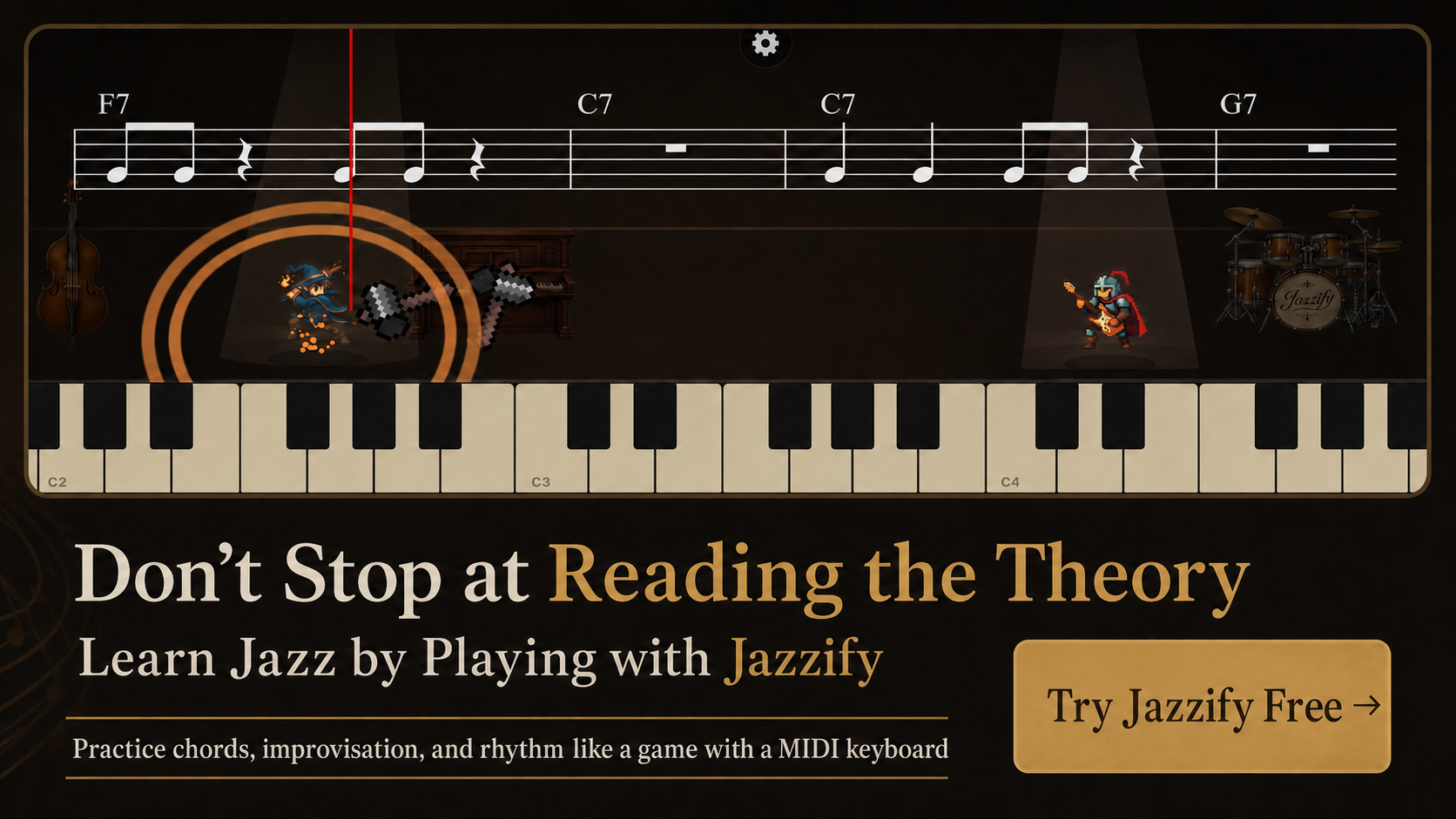
You can learn piano with a MIDI keyboard without buying an acoustic instrument or a heavy digital piano. A compact controller sends note-on and note-off messages to your computer, tablet, or phone, where software turns those messages into sound and feedback. For jazz, that setup is especially practical because you can practice voicings, guide-tone lines, and improvisation against backing tracks or guided exercises at any hour.
This roadmap assumes you are starting from zero or returning after years away from the keys. It prioritizes skills jazz pianists actually use—shell voicings, rootless shapes, swing feel, and ear training—rather than classical études that do not transfer directly to standards.
What a MIDI Keyboard Does (and Does Not Do)
A MIDI keyboard is a controller. It does not contain piano samples unless it is a hybrid instrument labeled "MIDI keyboard with built-in sounds." When you press middle C, the keyboard sends MIDI note number 60 with a velocity value (0–127). Your app or browser interprets that message and produces audio through speakers or headphones.
That separation is an advantage for learners:
- You can switch piano sounds, Rhodes tones, or synth pads without new hardware.
- Apps can highlight correct notes, score timing, or mute your left hand while you solo.
- A 61-key controller weighs a few kilograms and fits under a desk.
What you lose compared to an acoustic piano: weighted hammer action on budget controllers, the full 88-key range on smaller models, and the sympathetic resonance of strings. For early jazz study, those trade-offs are acceptable if you practice deliberately.
Minimum Gear for a Reliable Setup
| Item | Why it matters for jazz |
|---|---|
| 61-key MIDI controller (semi-weighted or better) | Covers comping in F–G comfortably; enough range for two-handed voicings in most standards |
| USB cable (data-capable) | Charge-only cables fail silently; use the cable packaged with the keyboard |
| Computer, iPad, or iPhone | Runs browser apps with Web MIDI or native practice software |
| Closed-back headphones | Lets you hear bass motion in left-hand voicings without disturbing neighbors |
| Sustain pedal (CC 64) | Essential for ballad comping and connecting chord tones across bar lines |
If you travel often, read our comparison of 49 vs. 61 keys for jazz piano before choosing a smaller board.
Week 1–2: Physical Setup and Note Geography
Before harmony, establish posture and keyboard geography. Sit so your forearms are roughly parallel to the floor. Place the keyboard so middle C (MIDI 60) sits slightly left of center—you will spend more time between F below middle C and C two octaves above.
Daily 10-minute drill
- Play C major ascending and descending: C–D–E–F–G–A–B–C, hands separately, quarter note = 60 bpm.
- Name white keys aloud while playing: "C, D, E…" until you no longer pause.
- Find all C keys on the keyboard using the two-black-key landmark.
- Play C–E–G (C major triad) in root position, then E–G–C (first inversion), then G–C–E (second inversion).
Log velocity in your app if available. Aim for even tone between fingers 2, 3, and 4—the fingers jazz voicings rely on most.
Week 3–4: Intervals and Basic Seventh Chords
Jazz harmony lives in thirds and sevenths. Learn to see a minor third (C to E♭), major third (C to E), and tritone (C to F♯) on the keyboard before memorizing chord symbol charts.
Build these seventh chords from the root up:
- Cmaj7: C–E–G–B
- Dm7: D–F–A–C
- G7: G–B–D–F
- Am7: A–C–E–G
These four chords appear in countless standards. Play them as block chords in the left hand while tapping quarter notes on your knee with the right hand to internalize pulse. If chord construction is new, start with jazz piano chords for beginners.
Month 2: Shell Voicings and the ii–V–I in C
Shell voicings use three notes: root (optional in left hand later), third, and seventh. In C major:
- Dm7 shell: D–F–C (root, minor 3rd, minor 7th)
- G7 shell: G–B–F (root, major 3rd, minor 7th)
- Cmaj7 shell: C–E–B (root, major 3rd, major 7th)
Practice the cycle Dm7 → G7 → Cmaj7 → Cmaj7 (one bar each) at 80 bpm with a metronome on beats 2 and 4. Move the entire shape down to Cm7–F7–B♭maj7 once the C major version is automatic.
Shell voicings teach your hand where guide tones live—the 3rd and 7th that define chord quality. Our shell voicing guide walks through voice leading so the 3rd of one chord moves smoothly to the 7th of the next.
Month 3: Swing Feel and Comping Rhythm
MIDI makes it easy to play correct notes with stiff rhythm. Jazz requires uneven eighth notes: long-short, long-short. Set a metronome to 60 bpm and clap on beats 2 and 4. Then comp shell voicings using Charleston rhythm—short on beat 1, long on the & of 2, short on beat 3, rest on 4.
On a blues in F, comp F7–B♭7–F7–F7 | B♭7–B♭7–F7–F7 | C7–B♭7–F7–C7 using shells only. Record yourself and check whether beat 2 feels late or early. Browser apps with rhythm scoring help here because they compare your note-on timestamps to the grid.
Choosing Practice Software
Not every piano app teaches jazz voice leading. Look for tools that:
- Accept Web MIDI from your browser without a native plugin.
- Display chord symbols (Dm7, G7alt, Cmaj9) rather than only classical notation.
- Offer backing tracks or simulated rhythm sections in swing and bossa styles.
- Provide immediate visual feedback on wrong notes without stopping playback.
Apps like iReal Pro excel at chart playback; guided platforms like Jazzify add step-by-step voicing drills. A balanced week might combine chart work with structured lessons—see best apps for jazz practice for a full comparison.
Common Mistakes When Learning on MIDI
- Ignoring latency: Bluetooth adds delay that ruins swing. Use USB when practicing time-feel.
- Practicing only with sustain pedal down: Pedal hides unclear fingerings. Practice shells dry first.
- Skipping transposition: Play ii–V–I in all keys, not only C and F. Move shapes by half step daily.
- Watching hands instead of lead sheet: Jazz gigging requires reading chord symbols. Hide the keyboard camera after month one.
- Using only one velocity layer: Practice dynamics—ghost notes at velocity 30, accents at 90.
Sample 12-Week Progress Checklist
| Week | Goal | Test |
|---|---|---|
| 1–2 | Major scale, triad inversions | Play C major scale at q=80, no wrong notes |
| 3–4 | Four basic seventh chords | Spell Dm7 and G7 from memory |
| 5–6 | ii–V–I shells in C, F, B♭ | Cycle at q=100 with metronome |
| 7–8 | Blues in F with shells | Comp 12 bars without stopping |
| 9–10 | Rootless A voicings on ii–V–I | Play Dm7(9)–G7(13)–Cmaj7(9) |
| 11–12 | One standard melody + comp | Play "Autumn Leaves" A section |
Month 4: Ear Training on the Controller
Use MIDI apps that play a chord and ask you to replay it. Start with quality-only drills:
- Hear Cmaj7 (C–E–G–B) → play it within three seconds.
- Hear Dm7 vs. D7 side by side—minor 7th (C) vs. major 7th (C♯) changes the color instantly.
- Hear ii–V–I in F (Gm7–C7–Fmaj7) → outline shells before full voicings.
Because MIDI reports exact pitches, apps score spelling errors separately from rhythm errors—a G7(♭9) played as G–B–D–F–A♮ fails even if your timing is perfect.
Building a Practice Space at Home
A MIDI setup needs less room than an upright piano. Minimum footprint: 100 cm desk width for a 61-key board, chair with adjustable height, and a phone or tablet stand at eye level. Route cables behind the desk so USB strain does not loosen the port during daily plugging.
Headphones with a closed back help you hear whether the 3rd of Dm7 (F) clashes with the 9th you added in the right hand. Keep a printed chord-symbol cheat sheet for the first month, then hide it once you can spell Dm7, G7, and Cmaj7 from memory in under five seconds each.
When to Upgrade Your Keyboard
Stay on a 61-key controller until shell voicings and one complete standard feel comfortable. Upgrade triggers:
- You need left-hand roots below C2 for authentic bass lines.
- Semi-weighted keys feel too springy for dynamic ballads.
- You want built-in speakers for quick practice without a computer.
At that point, compare 61 vs. 88 keys for jazz piano to decide whether full range justifies the cost and desk space.
Summary
- A MIDI keyboard sends note data to software; choose a data-capable USB cable and a 61-key board for most jazz study.
- Build geography first, then seventh chords, then shell voicings on ii–V–I progressions.
- Practice swing comping with metronome on 2 and 4; do not rely on sustain to connect sloppy changes.
- Combine chart apps with guided jazz lessons for voicing feedback.
- Fix latency and connection issues early—see dedicated guides for iPad, iPhone, and browser troubleshooting.
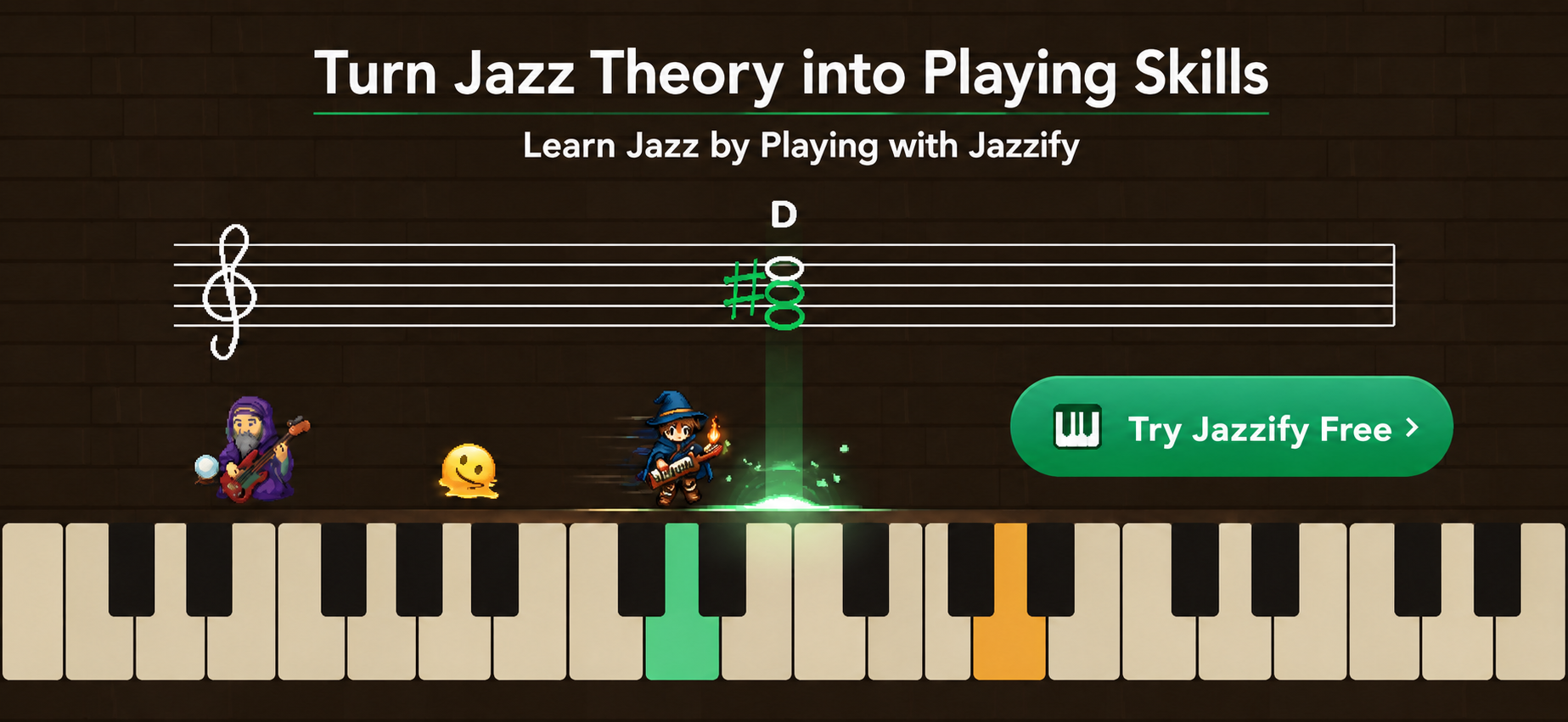
Play the Jazzify demo right now
Connect a MIDI keyboard and play this interactive demo in your browser.
On iPhone and iPad, browsers cannot use a MIDI keyboard. Please use the Jazzify app instead.